

Components
DFS
The Distributed File System forms the storage foundation. It handles chunking, replication, and Reed-Solomon encoding for durability. All artifact data flows through DFS.
Platform
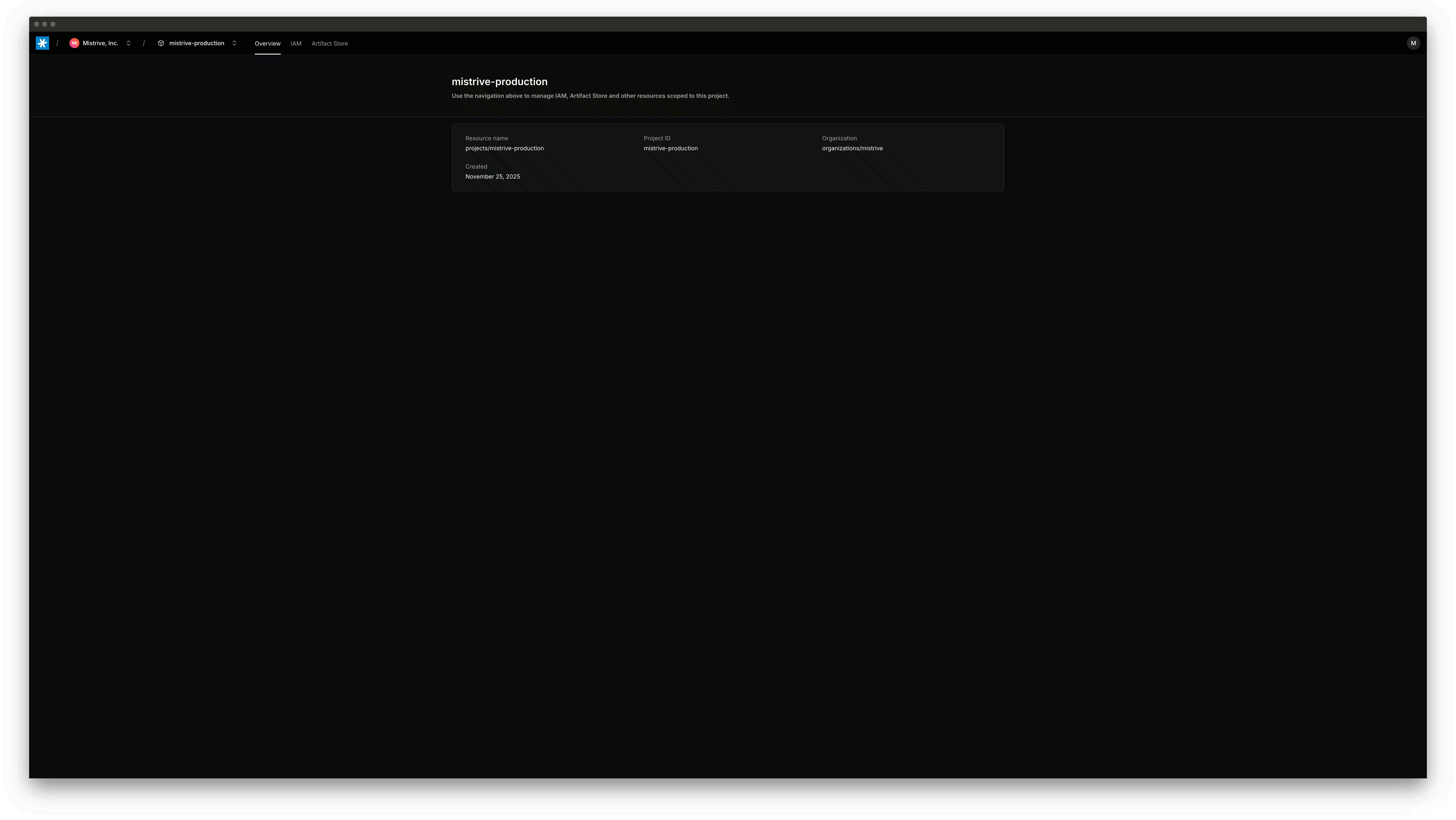
Provides identity and access management, multi-tenant organization hierarchy, project isolation, service accounts, and a management UI.
Artifact Store
Implements OCI-compatible storage protocols including Docker Registry API v2. Push and pull container images, Helm charts, and other artifacts with built-in vulnerability scanning.
How it works
DFS forms the storage layer.- It splits files into 1 MiB chunks and distributes them across storage nodes with replication or Reed-Solomon erasure coding.
- The Metadata Service tracks file locations, directory structures, and stripe placement in FoundationDB.
- When you
docker pushan image, it receives the layers and manifests via the Docker Registry API, then persists them through DFS. - A scan worker examines pushed artifacts for vulnerabilities.
Deployment requirements
All components require access to a FoundationDB cluster for metadata storage. DFS additionally needs local storage on each node for chunk data. A minimal deployment runs all services on a single machine. Larger deployments distribute services across multiple nodes for availability.FoundationDB provides the transactional foundation that enables atomic operations across the distributed system.
You’ll need a running FoundationDB cluster before deploying any Mistrive component.
Get started
The quickstart guide walks through deploying all three components in a development environment. You’ll have a working self-hosted Mistrive instance running locally within minutes.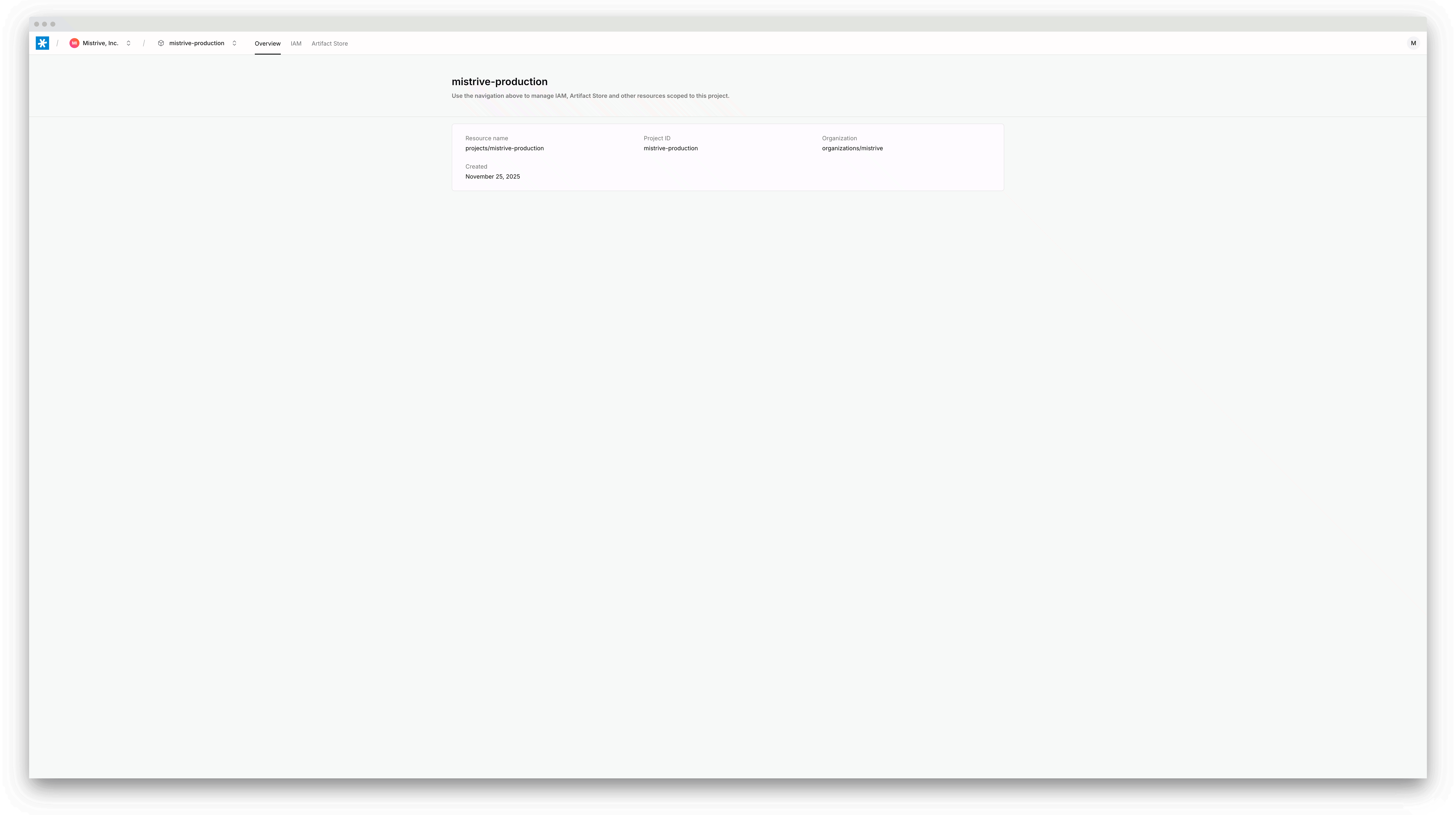
Quickstart
Deploy DFS, Artifact Store, and Platform in your local environment. Start pushing container images in under 10 minutes.