> ## Documentation Index
> Fetch the complete documentation index at: https://docs.mistrive.com/llms.txt
> Use this file to discover all available pages before exploring further.
# Introduction
> Deploy Mistrive's distributed storage infrastructure in your own environment
Mistrive is a distributed storage platform for storing and managing large artifacts at scale. The self-hosted deployment consists of three core components that work together to deliver a complete artifact management solution.
## Components
The Distributed File System forms the storage foundation. It handles chunking, replication, and Reed-Solomon encoding for durability. All artifact data flows through DFS.
Provides identity and access management, multi-tenant organization hierarchy, project isolation, service accounts, and a management UI.
Implements OCI-compatible storage protocols including Docker Registry API v2. Push and pull container images, Helm charts, and other artifacts with built-in vulnerability scanning.
## How it works
DFS forms the storage layer.
* It splits files into 1 MiB chunks and distributes them across storage nodes with replication or Reed-Solomon erasure coding.
* The Metadata Service tracks file locations, directory structures, and stripe placement in FoundationDB.
Artifact Store sits on top of DFS.
* When you `docker push` an image, it receives the layers and manifests via the Docker Registry API, then persists them through DFS.
* A scan worker examines pushed artifacts for vulnerabilities.
Platform ties everything together with authentication, organization hierarchies, project-level access control, and service accounts.
It exposes gRPC and REST APIs alongside a management UI.
## Deployment requirements
All components require access to a FoundationDB cluster for metadata storage.
DFS additionally needs local storage on each node for chunk data. A minimal deployment runs all services on a single machine.
Larger deployments distribute services across multiple nodes for availability.
FoundationDB provides the transactional foundation that enables atomic operations across the distributed system.
You'll need a running FoundationDB cluster before deploying any Mistrive component.
## Get started
The quickstart guide walks through deploying all three components in a development environment. You'll have a working self-hosted Mistrive instance running locally within minutes.
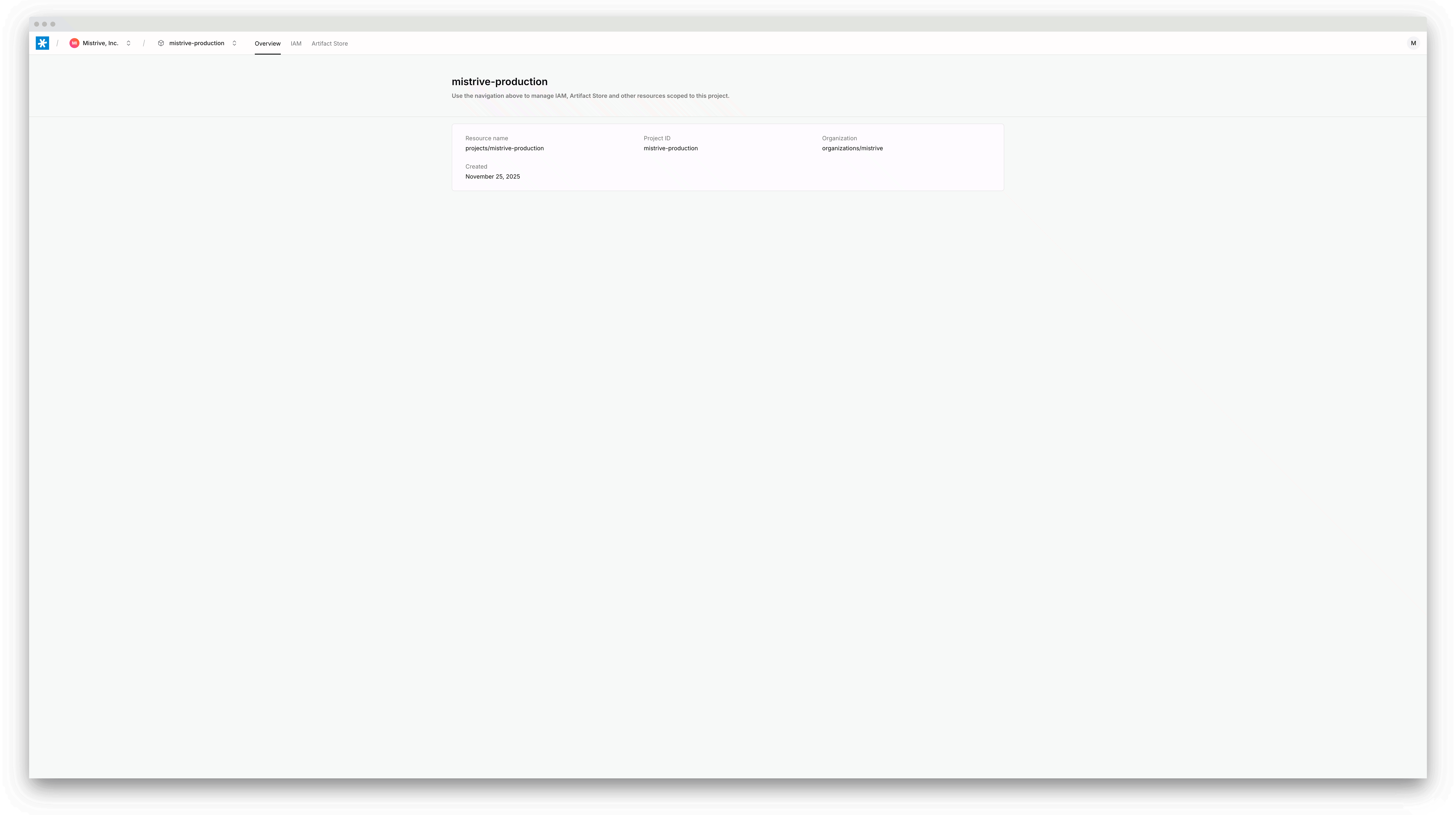
Deploy DFS, Artifact Store, and Platform in your local environment. Start pushing container images in under 10 minutes.